Adding a TV to your bedroom doesn’t have to mean sacrificing aesthetics or comfort. Whether you’re upgrading an existing setup or installing your first bedroom television, thoughtful placement and design make all the difference. A well-planned TV installation takes into account viewing height, cable routing, and how the screen integrates with your room’s layout, not as an afterthought, but as part of the overall design. This guide walks through practical strategies for mounting, spacing, and styling your bedroom entertainment setup so it feels intentional rather than tacked-on.
Table of Contents
ToggleKey Takeaways
- Mount your TV at eye level when seated on your bed, with seating distance 1.5 to 2.5 times the screen’s diagonal size to avoid neck strain and optimize viewing comfort in bedroom TV in bedroom ideas.
- Always secure wall-mounted TVs directly into wall studs using lag bolts or heavy-duty anchors, never into drywall alone, to prevent dangerous falls and ensure stability.
- Create an intentional entertainment zone by pairing your TV with complementary furniture, soft furnishings, and proper lighting rather than treating it as an isolated afterthought.
- Use concealed cable raceways, in-wall conduit, or flat channels to hide wires and prevent clutter while making future troubleshooting and maintenance easier.
- Consider renters or budget-conscious options like furniture-grade TV stands and articulating arms if permanent wall mounting isn’t feasible or desirable for your situation.
Wall-Mount Placement Strategies
Optimal Viewing Height and Distance
The golden rule: your TV’s center should sit at eye level when you’re seated on your bed. Most people mount the screen too high, forcing upward neck strain during relaxation time. Measure from your bed’s seating position, not from the floor, to your eye height, then plan your mount around that line.
For distance, use the viewing angle formula: your seating distance should be 1.5 to 2.5 times the TV’s diagonal screen size. A 55-inch TV, for example, works best from 6 to 9 feet away. If your bedroom is compact, a smaller screen (40–50 inches) or a lower resolution may be a better fit than forcing a large display into too-small a space.
Wall studs are non-negotiable for safety. Locate and secure your mount directly into studs using lag bolts or heavy-duty anchors rated for your TV’s weight. Drywall alone won’t support a full-size television. If studs don’t align with your ideal placement, either adjust your position slightly or call a professional, a falling TV is a liability no one wants.
Corner and Feature Wall Options
Corner mounts work well in smaller bedrooms where a single feature wall isn’t practical. Mount the TV on a swivel arm, which lets you angle the screen toward the bed while keeping wiring out of sight in the corner cavity. This setup also makes the TV less visually dominant when you’re not watching.
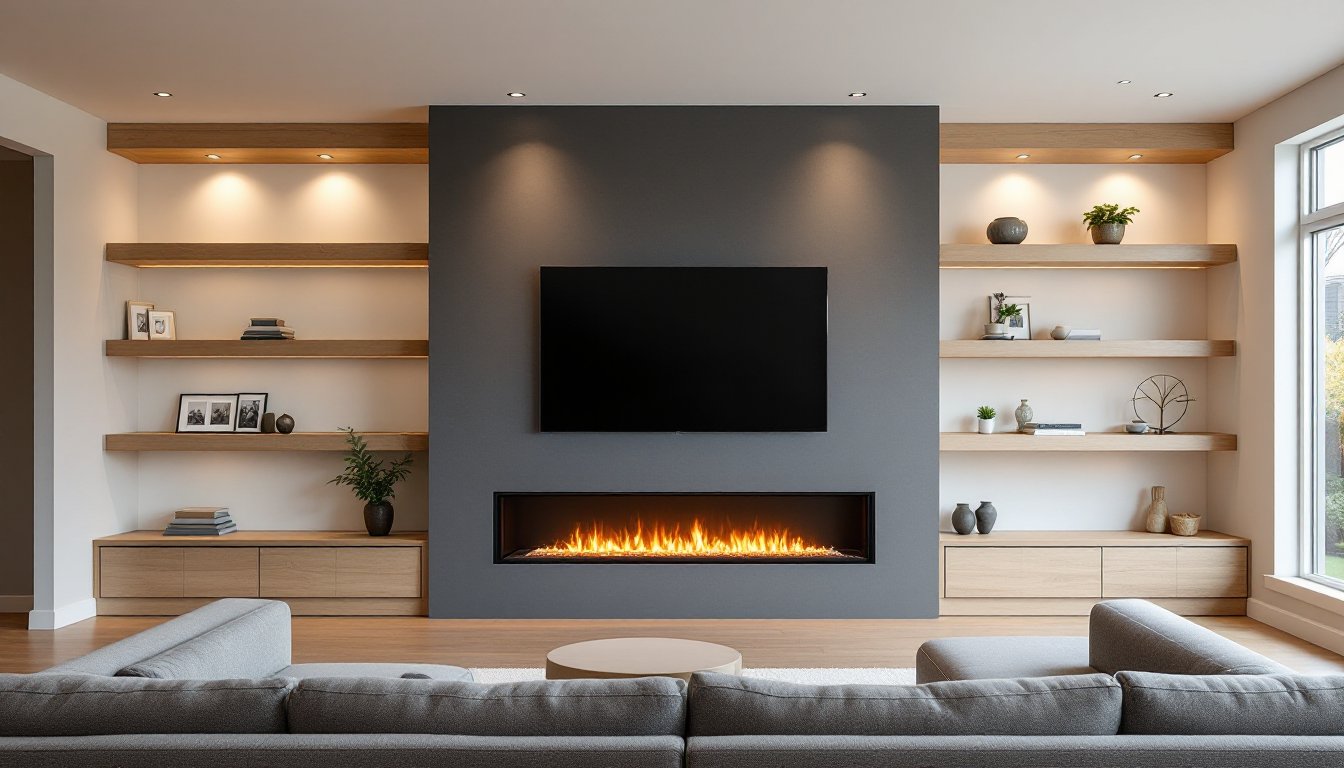
Feature walls, typically behind the bed’s headboard or opposite it, frame the TV as intentional décor. Many designers use shiplap, wood paneling, or paint finishes to create visual interest around the screen. This approach, shown in HGTV’s bedroom TV gallery, transforms a functional component into a design statement. Match your frame color to your room’s palette: a black mount blends with dark walls, while a white surround works on light backgrounds.
Storage and Console Solutions
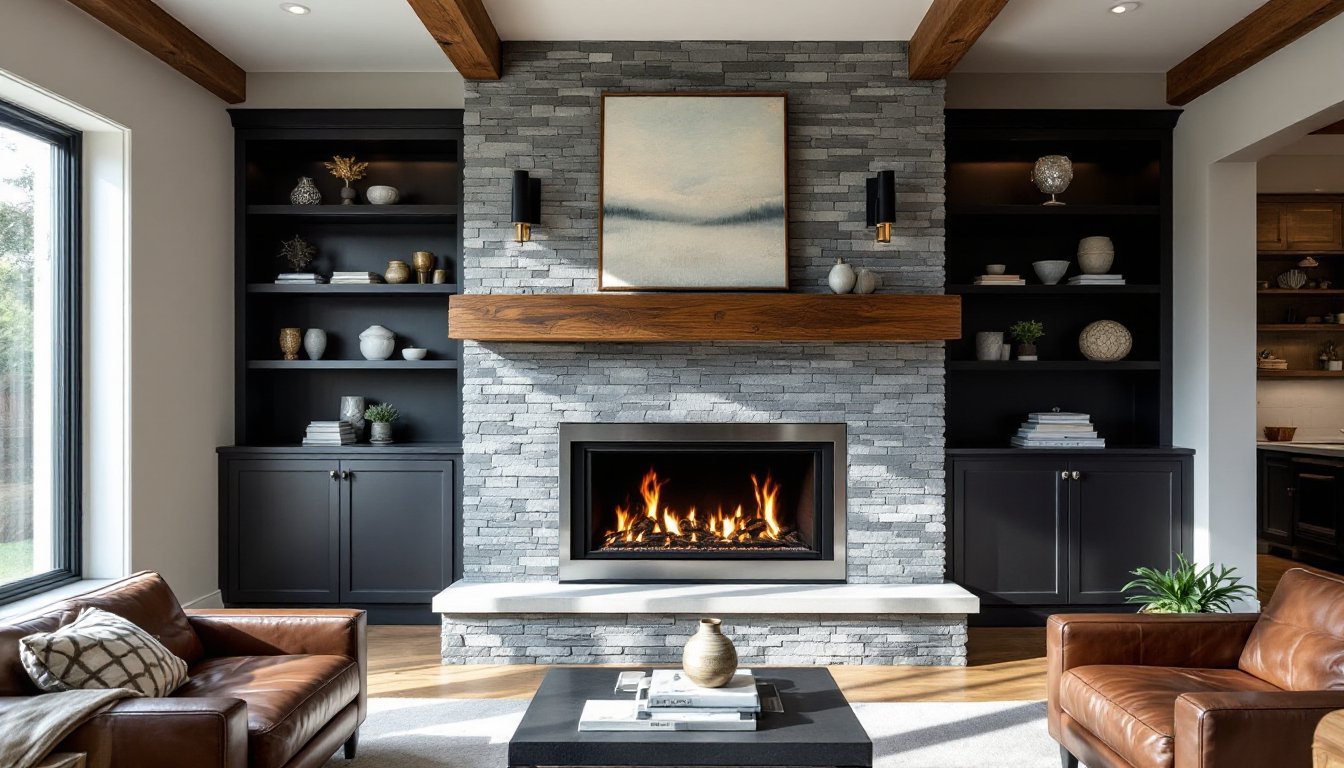
A wall-mounted TV leaves floor space free, but you’ll still need somewhere to house a cable box, soundbar, or streaming device. A floating shelf below the screen, mounted into studs, provides both function and style. Keep the shelf 12–18 inches below the TV and deep enough (8–10 inches) to support equipment without looking cramped.
Alternatively, a low console or media stand works if your bedroom layout permits floor placement. These sit below the TV and contain components while adding visual weight to anchor the room’s design. Ensure any console has proper ventilation, electronics generate heat, and poor airflow can shorten their lifespan.
If your bedroom is tight on space, wall-mounted shelving with concealed cable raceways keeps clutter invisible. Run cables inside adhesive-backed wire channels or PVC conduit along the wall before mounting the TV, so wires disappear behind the screen. This prevents the “rats nest” look and makes future troubleshooting easier.
Designing Your Entertainment Zone
Your TV doesn’t live in isolation, it’s part of a larger bedroom ecosystem. Arrange furniture to support the viewing experience without forcing the layout around the screen. The bed should face the TV naturally, not at an awkward angle that requires furniture repositioning.
Consider your room’s traffic flow. A TV mounted directly across the bedroom door can feel intrusive every time you enter or leave. Placing it on a perpendicular wall or feature wall often feels less dominant and allows you to organize the rest of the space more comfortably.
Layering in soft furnishings, throw pillows, a soft throw blanket, or a reading chair, creates a cohesive entertainment zone that feels intentional. Interior design platforms like MyDomaine show how pairing your TV setup with complementary furniture and accessories elevates the entire room’s feel. Color coordination and texture balance make the TV feel like part of the design, not an intrusion.
Lighting and Cable Management
Backlighting behind your TV reduces eye strain during evening viewing and adds ambient warmth to the bedroom. LED strip lights mounted along the wall behind the screen create a soft halo effect without being distracting. These draw minimal power and install with adhesive backing, no wiring required beyond a simple plug.
Dimmer switches for overhead lights or dedicated bedside lamps give you control over the room’s brightness while watching. A dark room with only backlighting and the TV creates theater-like comfort: having the option to dim rather than fully turn off lights is more practical.
Cable management deserves serious attention. Run power and HDMI cables through in-wall conduit before mounting the TV, the proper way, not taped to the wall. This requires cutting into drywall and routing cables through studs to an outlet, so consider hiring an electrician if you’re uncomfortable doing this work. If in-wall routing isn’t possible, use flat cable channels that match your wall color to disguise wires. Label every cable at both ends so you know what connects where when you troubleshoot later. Test everything before final mounting to avoid the headache of pulling the TV down to swap cables.
Budget-Friendly and Rental-Friendly Alternatives
Not everyone owns their home or wants to drill into walls. A furniture-grade TV stand with cable management built in provides a professional look without permanent installation. Quality stands accommodate most screen sizes and often include shelving for components below. The trade-off is that they consume floor space and require more deliberate furniture arrangement.
Articululating arms mounted to adjustable stands let you angle your TV without wall mounting. These are ideal for renters since they’re removable and don’t damage walls. The downside is visible stands and cables, less streamlined than true wall mounting, but sometimes the practical choice.
For the ultra-budget-conscious, a large monitor or tablet propped on a desk or dresser works if your bedroom doubles as an office. This isn’t ideal for nightly viewing comfort, but it’s reversible and costs far less than a full TV setup. Creative ideas for unconventional placements appear on design blogs like Decoist, which showcase how even small bedrooms can accommodate screens without major construction.
When evaluating options, ask yourself: Do I plan to stay here long-term? Can I patch drywall when I move? Is the rental agreement TV-friendly? These questions guide whether you invest in permanent wall mounting or go temporary.